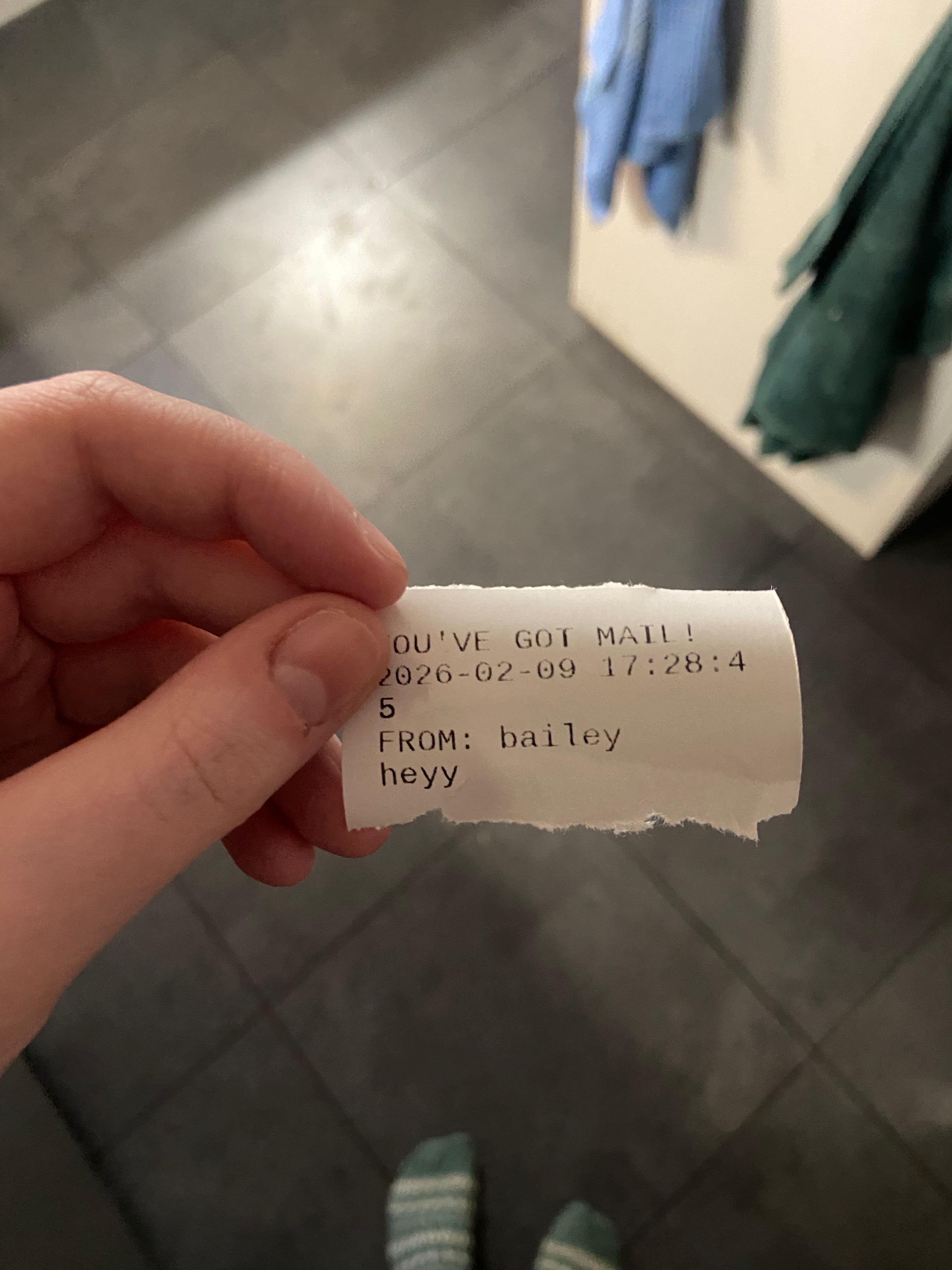
A way to send printed messages over long distance
Overview
I figured I should document probably the coolest thing I have ever worked on, a Raspberry Pi mailbox to send messages back and forth with my girlfriend. It uses a web portal with Express/Node.js to send messages back and forth between two internet connected thermal printers.
The idea for this stemmed from her fascination with our mailboxes on one of her visits to the US from Ireland. In Ireland, they don't have two-way mail delivery on your home mailbox, you either drop outgoing mail at a green An Post box, or at the post office. I wanted to find a way to implement that in a gift for her birthday in 2025, and mimic the American mailbox experience.
What I used (per printer)
- Raspberry Pi Zero 2W
- Limit switches
- 58mm thermal printer (with USB interface)
- 3D-printed mailbox housing
- USB-A to MicroUSB cable
- 5V power supply (for printer)
Detailed functionality
My girlfriend's end of the setup is much more interesting than mine. I 3D printed a toy mailbox model from Printables and added a hole to the back for wiring before printing.
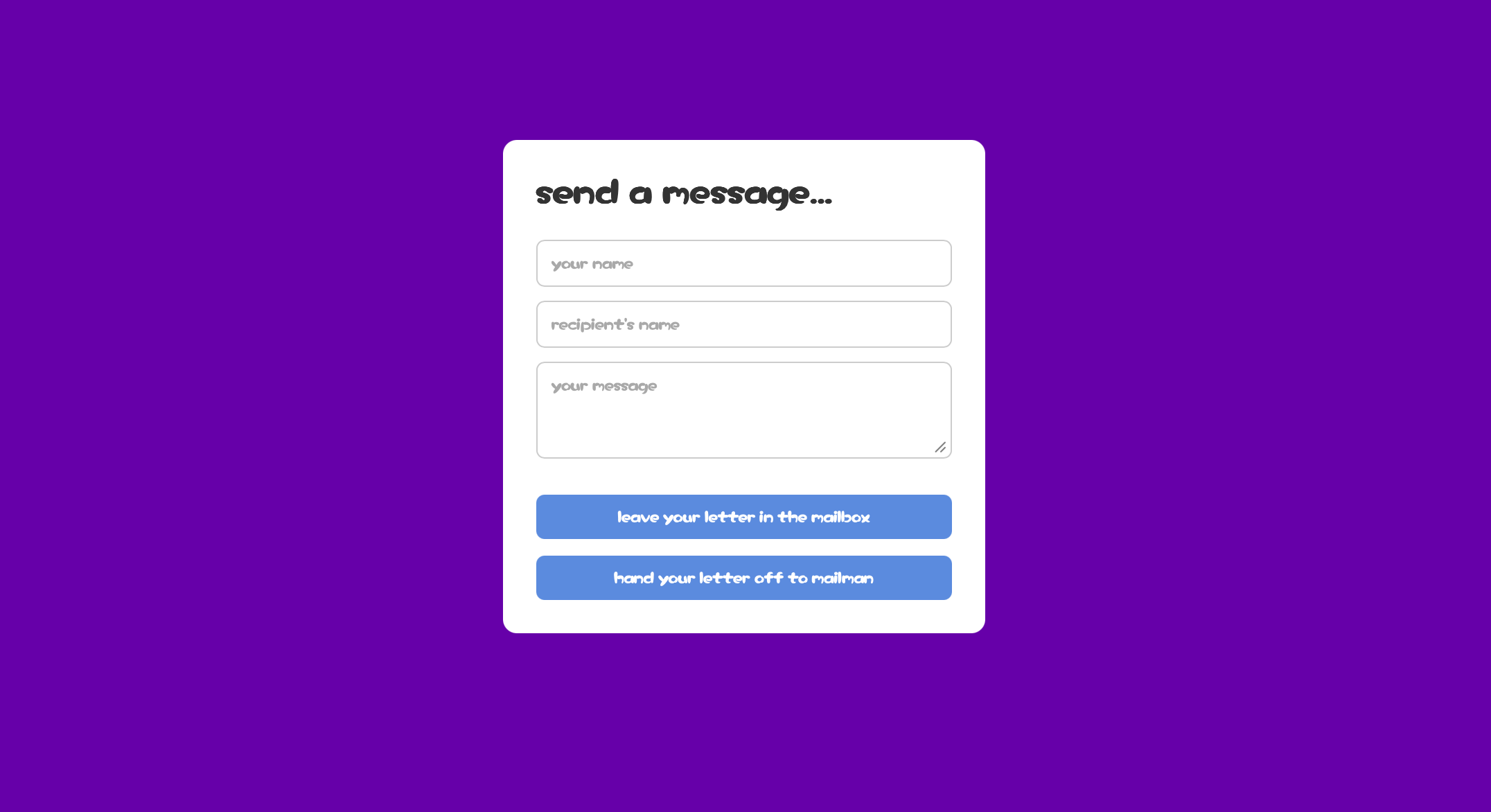
The general idea is that she types a message on my web portal and it's stored in MongoDB to be sent when she flips the flag on the mailbox which triggers a limit switch I've attached inside the mailbox housing.
My side of the mailbox is just the guts, a printer and RPi with no switch.
Setup
This section documents how I set up the mailbox end to end.
Mailbox assembly
I started by 3D printing a small toy mailbox and modifying the model to allow wiring to pass through the back. Inside, I mounted a limit switch connected to the flag so that flipping it would trigger sending to the opposite printer.
Raspberry Pi setup
Each printer system uses a Raspberry Pi Zero 2W with the full RPi OS. I'm running them headless so I was using VNCViewer on my Mac to access them over local Wi-Fi on setup.
I also had to make sure they worked before I left to deliver them in Ireland, so I set up my girlfriend's with her internet to work as soon as I plugged it in.
There's some basic terminal command I had to run to get the Python script to work on startup, just to minimize setup and in case she ever moves the mailbox, her power goes out, etc.
Thermal printer
The printer is a standard 58mm USB thermal printer. I had to mess with text formatting a bit to get it to work the way that I wanted it to (with a little YOU'VE GOT MAIL heading).
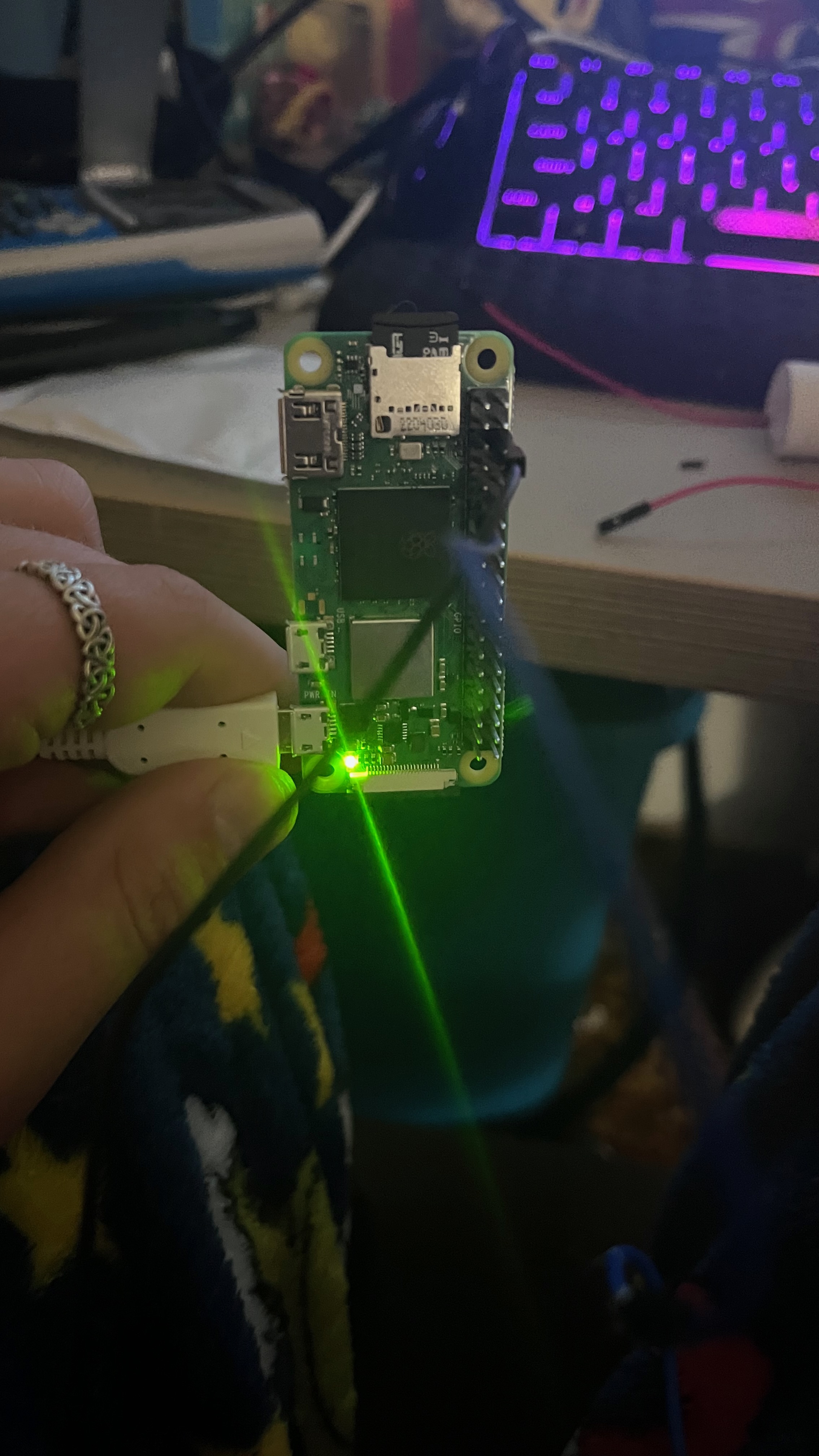
Flag switch
The flag switch was a little annoying as I ordered the incorrect cables and needed to MacGyver them to work. I ended up just using electrical tape and praying it wouldn't come undone in transit.
These were connected to GPIO pins 6 and GND, and worked perfectly.
Backend connection
The Pi periodically checks a small Express backend for new messages. When a message is available on my MongoDB database, it prints and marks it as delivered so it won't be reprinted.
The web portal I just deployed with Render on top of my portfolio site.
Final testing
Since the mailbox would be completely inaccessible to me once I left Ireland, I needed to test this setup fully.
Once everything was assembled, I tested message delivery in various scenarios. For example, I tested startup functionality by queuing a message on the web portal and then plugging in the Pi.
I also tested the web portal out by queuing a message via a different internet connection to make sure everything worked and wasn't still running the web server locally like how it was before I figured out the backend.